2026-06-26 · 4 min read
Teach your AI assistant the BLNQ API in one file.
Download the BLNQ skill, a SKILL.md (or a ready-to-upload .zip), drop it into Claude, Cursor, or any LLM, and your assistant can build links, QR codes, and analytics against the API without you pasting docs.
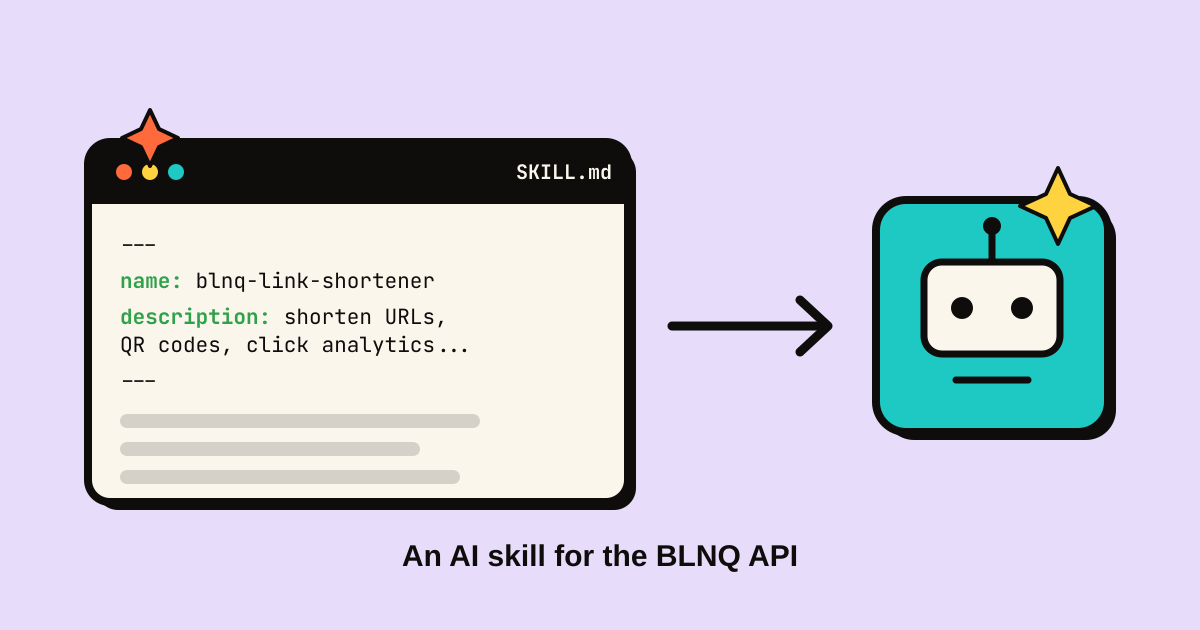
Every developer building against an API now has a co-worker who writes most of the boilerplate: an AI assistant. The catch is that the assistant only knows your API if you tell it, which usually means pasting chunks of docs into the chat and hoping it remembers the slug rules and the auth header. We made that step disappear. The BLNQ skill is a single file your assistant reads once and then knows the whole API: how to authenticate, every endpoint, the error codes, the rate limits, and copy-paste recipes.
What a skill file actually is
A skill is a Markdown file, SKILL.md, with a short YAML header (a name and a description) followed by instructions written for a model rather than a human. The header is the important part: it is what an assistant reads to decide when the skill is relevant and to pull it into context automatically. Claude calls these Agent Skills; the same file works as project knowledge, a rules file, or a pinned message in most other tools.
Two downloads, pick your tool
On the API reference page, under AI agent skill, there are two buttons:
- SKILL.md, the raw file. Use it for anything that takes a Markdown document: a coding assistant's project knowledge, a Cursor or Copilot rules file, or pasting straight into a chat.
- Skill .zip (for Claude), the same file wrapped in the folder layout Claude's Skills uploader expects (blnq-link-shortener/SKILL.md). Use it for the Skills section in Claude.
Using it with Claude
- Download the .zip from blnq.it/api.
- In Claude, open Settings, then Capabilities, then Skills, and upload the zip.
- Ask for what you want: "create a short link for this URL with the slug spring-drop", or "pull last-30-days click stats for my top five links". Claude loads the skill, knows the endpoints, and writes the request.
You still provide the API key. The skill tells the assistant to read it from an environment variable and never hard-code it, so your key stays out of the chat and out of any code it generates.
Using it everywhere else
For Cursor, Copilot, Windsurf, or a plain chat, download SKILL.md instead and add it as project context: a rules file, project knowledge, or a pinned message. The content is identical; only the packaging differs.
What's in the file
Enough for an assistant to be correct on the first try: the base URL (api.blnq.it/v1), bearer-token auth, all the link endpoints (create one or fifty, list with paging and search, fetch, update, delete, stats, QR), the account and resource-list endpoints, the full error table, the per-plan rate limits, and a working Python reference that already handles 429 back-off. It also bakes in the rules that trip people up, like slugs being [A-Za-z0-9_-] up to 32 characters and the analytics window being capped per plan.
It can't go stale
The skill is generated from the same source as the live API and the OpenAPI spec, and rebuilt on every deploy. When an endpoint changes, the file you download changes with it. There's no separate doc to drift out of sync.
Grab it from the sidebar at /api, next to the OpenAPI spec. The read API is free on every plan; creating and editing links needs any paid plan. Then let your assistant do the typing.