2026-06-25 · 4 min read
The API grew up: update, QR, bulk, and your whole account.
Edit links in place with PATCH, pull a QR for any link, create up to 50 at once, page and search your list, and read your plan and usage. Here's everything new in the BLNQ API.
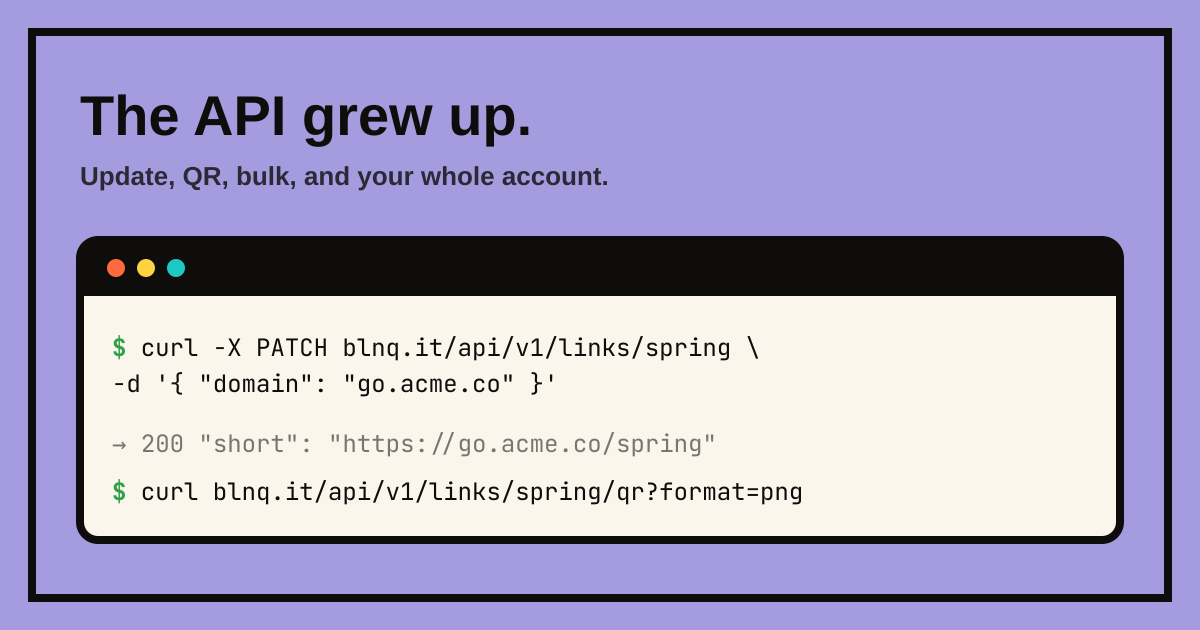
The BLNQ API started small: create a link, list your links, read its stats, delete it. Enough to be useful, not enough to build on. This round fills the gaps. You can now edit a link without deleting and recreating it, fetch a QR image straight from the API, create links in bulk, page and search your list, and ask the API who you are and how much headroom you have left. Same bearer-token auth, same JSON, same free read tier.
Update a link in place
The big one. There's now a real PATCH endpoint, so you can change a link's destination, slug, QR colour, or which domain it sits on, and keep the same short URL and its entire click history. No more delete-and-recreate dance that resets your analytics and frees your slug for a second.
curl -X PATCH https://blnq.it/api/v1/links/spring \
  -H "Authorization: Bearer blnq_live_..." \
  -H "Content-Type: application/json" \
  -d '{ "url": "https://example.com/spring-v2", "domain": "go.acme.co" }'
Send only the fields you want to change. Pass domain (a verified hostname) to move a link onto your own domain, or domain:null to move it back to blnq.it. The response comes back with the link's correct short URL on whatever host it now lives on.
A QR for any link, on demand
Every link already has a QR in the dashboard. Now you can pull it from the API as an image, SVG inline or PNG to a file, in the link's saved colour or one you pass in.
curl 'https://blnq.it/api/v1/links/spring/qr?format=png&size=512' \
  -H "Authorization: Bearer blnq_live_..." --output spring.png
It encodes the link's real short URL, custom domain and all, so the QR keeps working even after you move the link. Pass bg=transparent when you're dropping it onto a coloured background.
Create fifty at once
Send a links array instead of a single url and BLNQ creates them in parallel, up to 50 per request. One bad row never sinks the batch: you get back a per-item result with a created and a failed count, and an errors array that tells you exactly which item failed and why.
curl -X POST https://blnq.it/api/v1/links \
  -H "Authorization: Bearer blnq_live_..." \
  -H "Content-Type: application/json" \
  -d '{ "links": [ { "url": "https://a.example" }, { "url": "https://b.example", "slug": "b" } ] }'
Page, sort, and search your links
The list endpoint used to hand back your hundred newest links and stop there. Now it takes limit and offset for paging, sort (by created date, clicks, QR scans, or slug) with order, and a q to search across slug and destination. The response carries a page object with the total count and a has_more flag so you know when to stop.
curl 'https://blnq.it/api/v1/links?limit=20&sort=clicks&order=desc&q=spring' \
  -H "Authorization: Bearer blnq_live_..."
Ask the API who you are
GET /api/v1/me is the endpoint every integration wants first. It tells you your plan, your per-plan limits, how much of each you've used (active links, links this month, requests per minute), and the key's own name and last-used time. Build a usage meter, or check headroom before a bulk import, without hardcoding the tier table.
Alongside it are read-only lists for the resources a script needs to reference: GET /api/v1/domains, /campaigns, /utm-templates, and /webhooks (secrets are never returned). Now you can discover the IDs you need instead of copying them out of the dashboard.
The reference, and the spec
Everything above is documented at /api with copy-paste curl for each endpoint, and there's a machine-readable OpenAPI 3.1 spec at /openapi.yaml, drop it into Postman, Insomnia, or your codegen tool of choice. The read API is still free on every plan; creating, updating, and deleting need any paid plan. If you're starting fresh, the API quickstart guide gets you to your first request in about ninety seconds.